Endless game in Godot 4.0
How did it all start?
One day, while exploring the world of games, I got an idea in my mind — an endless game similar to some other endless arcade games. Inspired and motivated, I took action to bring this game to life. In this blog post, I will walk you through the exciting development process of this game in Godot 4.0. Join me as we dive into the player movement, level generation, collision detection, and more!
1. The Dance of the Star
To begin, I needed to tackle the player's movement mechanics. To visualize I used traditional pen and paper ideation, I visualized two primary positions for the player, one above a line and another below it.

Calculating Player Positions
To make it responsive for future and different devices, I made two positions :
#above point
startPosition = (x, screenHeight/4)

#below point
targetPosition = (x, 3*(screenHeight/4))
Movement Pattern
The player will move between these two points. so when the player will move to startPosition to targetPosition then next time the previous startPosition is the targetPosition these time and previous targetPosition is now startPosition to make these functionality i made a function to toggle between these two positions:
func toggle_movement():
  var temp = startPosition
  startPosition = targetPosition
  targetPosition = temp
Finally the movement
To make player move i used a Vector2 offset that will add up to the position of player and make the player reach to the targetPosition from startPosition. I made this movement to trigger with a key on pressing the key i make the moveDistance = targetPosition-startPosition which is also equal to the screenHeight/2. and i’m moving player till the distance get 0.
func _physics_process():
  if (moveDistance > 0):
    position += offset
    moveDistance -= offset
but again there is thing that my offset should also invert after a movement because in one movement I have to go from up to down so +offset and when go from down to up -offset.
Invert Offset
To implement this I made an extra statement in toggle_movement() function to multiply the offset every time we toggle movement.
func toggle_movement():
  offset*=Vector2(1, -1)

  #also can do it like this
  offset.y *= (-1)
2. Endless Level Generation
Creating an endless level was another crucial aspect of the game. I wanted to generate random lines and obstacles for a better gameplay experience.
As the Godot is and open source engine and v4.0 is newer there is no specific tutorial for different things you wanna do. But there is an approach maximum people follow which is repeating blocks.

Repeating blocks approach
If I were to use this approach, I could create a level within a node and repeat that node alongside the previous one. However, in doing so, I would encounter a challenge — repeating the same pattern and difficulty over and over again. so for generating more random level, I got an idea.
Grid-based(TileMap) approach
I was sitting in my college lectures and getting bored so I picked up my game and started ideating the things, How to? and my lecture was more productive than ever before, haha kidding, not kidding.
I decided to use a grid-based approach. Each cell in the grid represented a tile, allowing for flexible level generation.
In TileMap we can set a tile to any cell we want by using the coordinates, just like a 2d grid. So I calculated an y_index from the screenHeight which lies in between the screen, approximately if not exact.
Then I just need to place my tiles at (x, y_index). now what is x? and what it should be? So the x is the x axis of the tile that is about to be generated I named this next_tile_position and after generating a tile I increased it.
Placing line and obstacles
Now I figured out how and where the tiles to be placed, but which tile? I have two tiles one is my “Line” tile and another is “Obstacle”. So my logic was that i can generate the lines consecutively but obstacles to be alternatively.
So I thought why not place some random lines first and then place an obstacle? So I took a random value range (1,5) and generated the lines and then I generated an obstacle tile.
var value = randi_range(1,5)
for i in range(value):
    set_cell(next_tile_position, lineTileIndex)
    next_tile_position.x += 1
set_cell(next_tile_position, obstacleTileIndex)
next_tile_position += 1
This is a pseudo code for the generation of cells.
here the lineTileIndex and the obstacleTileIndex are the index of the tiles in TileSet. If you want to know more about it, follow here.
Dynamic Tile Management
To ensure optimal performance, I implemented dynamic tile management. I’m generating the tiles that are next to the screen and deleting assed tiles from the grid, reducing memory consumption.
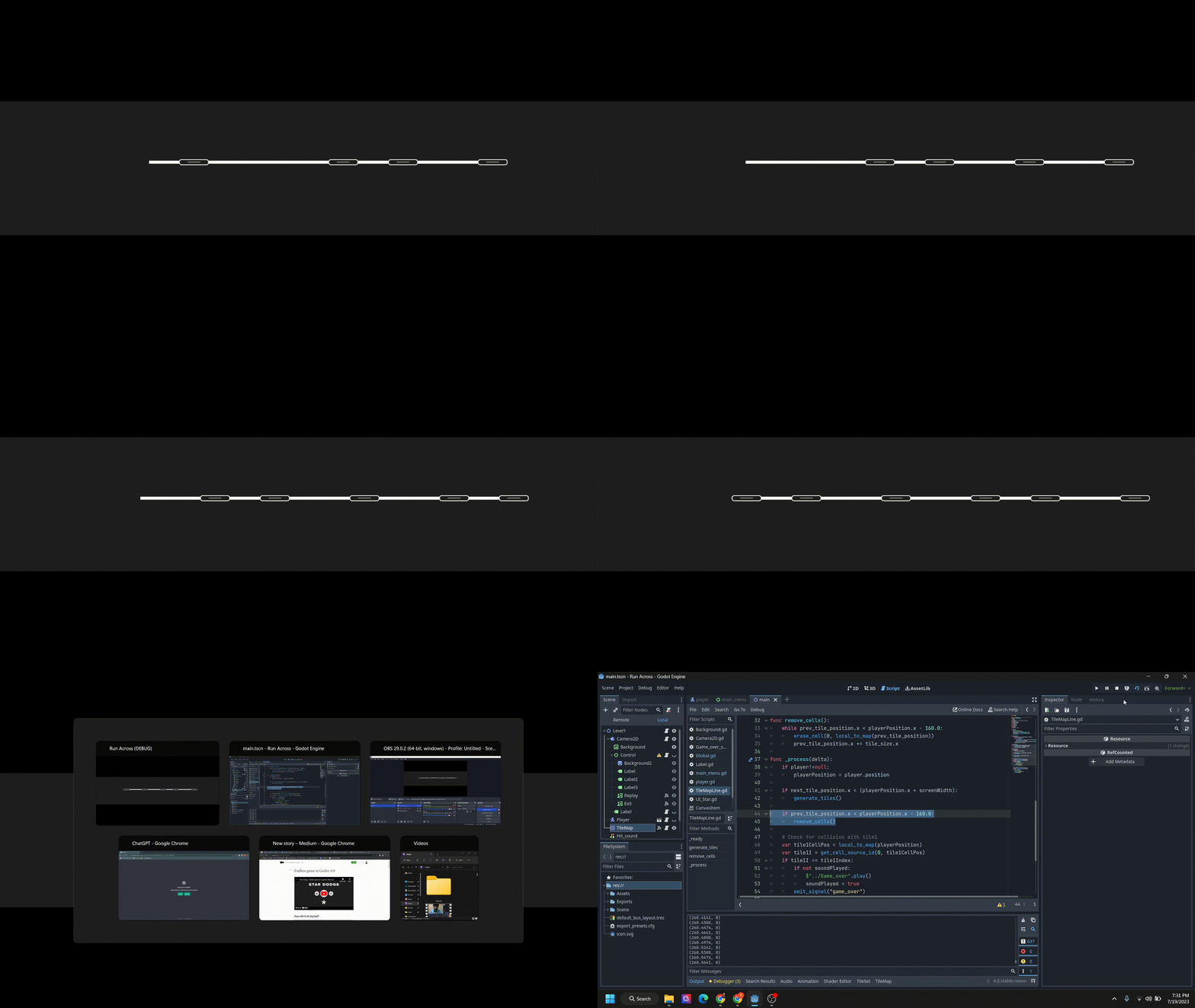
To do this I simply maintained a prev_tile_position as well and erased that cell with the erase_cell() method.
used a simple approach to check whether the next_tile_position is in the screen or out and whether the prev_tile_position is in the screen or out of the screen and performed accordingly.
if next_tile_position.x < (playerPosition.x + screenWidth):
  generate_tiles()

if prev_tile_position.x < playerPosition.x - 2*tile_size.x:
  remove_cells()
3. Collision and the Fateful Encounter
As the game gained shape and form, I wanted to add behavior to the player and tiles. Collision detection emerged as a vital component, an encounter between the player and the obstacles.
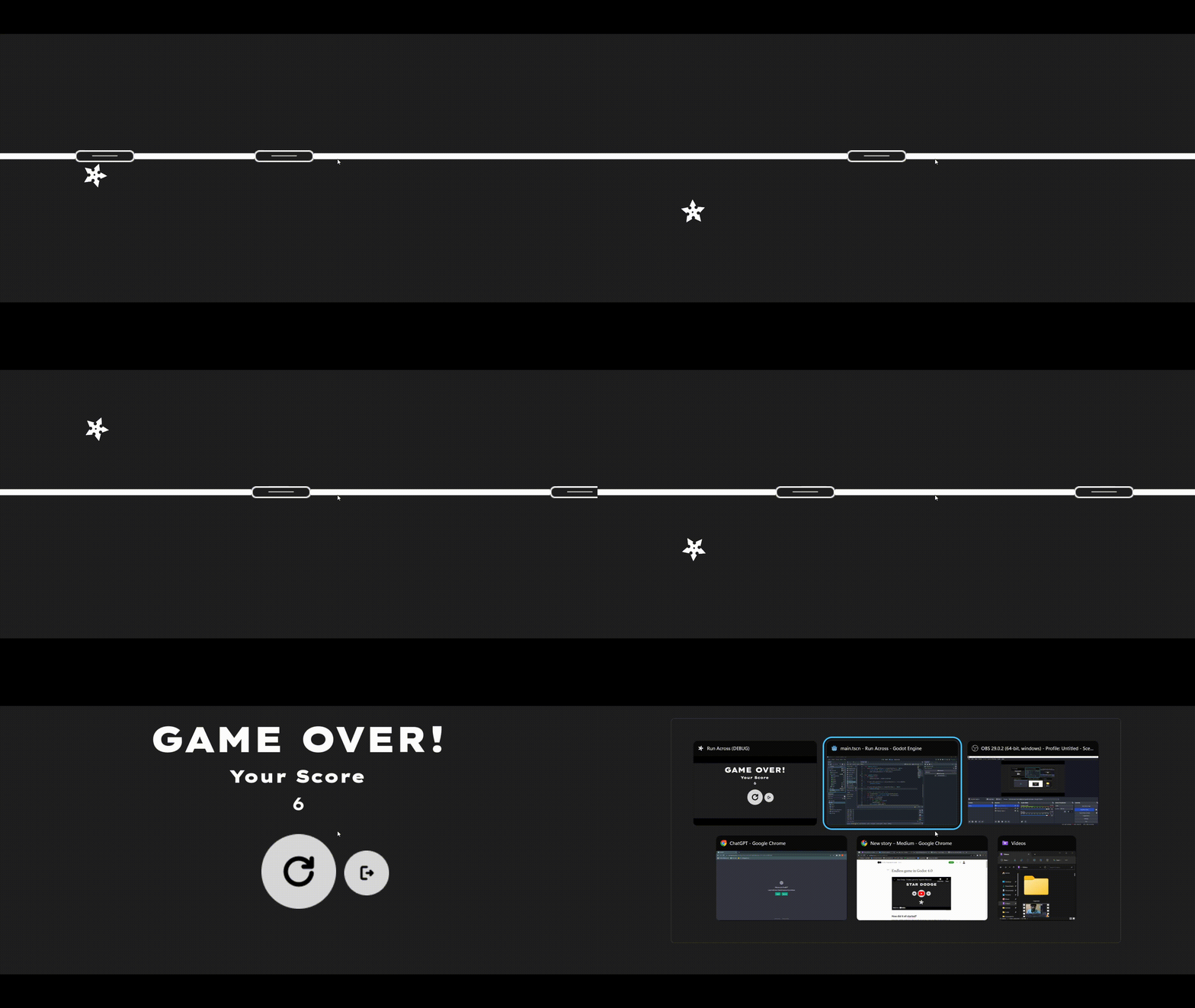
Now the problem here is that maybe Godot does not provide any inbuilt functionality for the tiles as the area_entered() thing, which will emit a signal and the game will know that I collided with an obstacle or line. It’s completely fair because these tiles are used to generate static levels but I used it in another way.
So now I cracked all of the things and created all but now what? So again I thought of an idea that calculates the cell coordinates by the player’s position and then matches it with any of the tiles. But I just knew that there is a function to get the coordinates of the physics body when it collides with the tile.
If the player collides with any of the tiles, I will check whether it is the line or the obstacle. and we can check this by simply comparing the indexes of both tiles.
var playerCell= cell(playerPosition)
var tileI = get_cell_id(playerCell)
  if tileI == LineTileIndex:
    Game over
  if tileI == obstacleTileIndex:
    Destory obstacle and increase score
Thanks a lot for taking the time to read.
Here is the game:
by the way here are my secret notes to make a game like this.
